
Download FileMaker Pro – custom app builder, database management, data synchronization, mobile database, no-code app development
Overview
FileMaker Pro is a robust mobile application designed for users seeking to create custom database-driven applications without writing code. As a no-code development platform, it empowers individuals and teams to design, deploy, and manage tailored solutions for real-world business challenges. The app is particularly valuable for small business owners, project managers, team leaders, and operational staff who require flexible data organization across multiple devices.
It enables seamless data synchronization, secure access, and integration with external platforms, making it a strategic tool for streamlining workflows in dynamic environments. Industries such as healthcare, education, and retail have adopted FileMaker Pro to manage inventory, track projects, and maintain customer records efficiently. The application operates within the broader FileMaker ecosystem, which includes FileMaker Go, FileMaker WebDirect, and FileMaker Server, offering a cohesive experience across mobile, web, and desktop environments.
Although the developer did not provide additional technical details, the app’s functionality suggests a focus on reliability, scalability, and cross-platform consistency. Its ability to support remote teams and distributed workforces underscores its relevance in modern, mobile-first work models. FileMaker Pro stands out in the productivity category by bridging the gap between technical and non-technical users, offering a powerful yet accessible solution for data management.
Key Features & Functionality
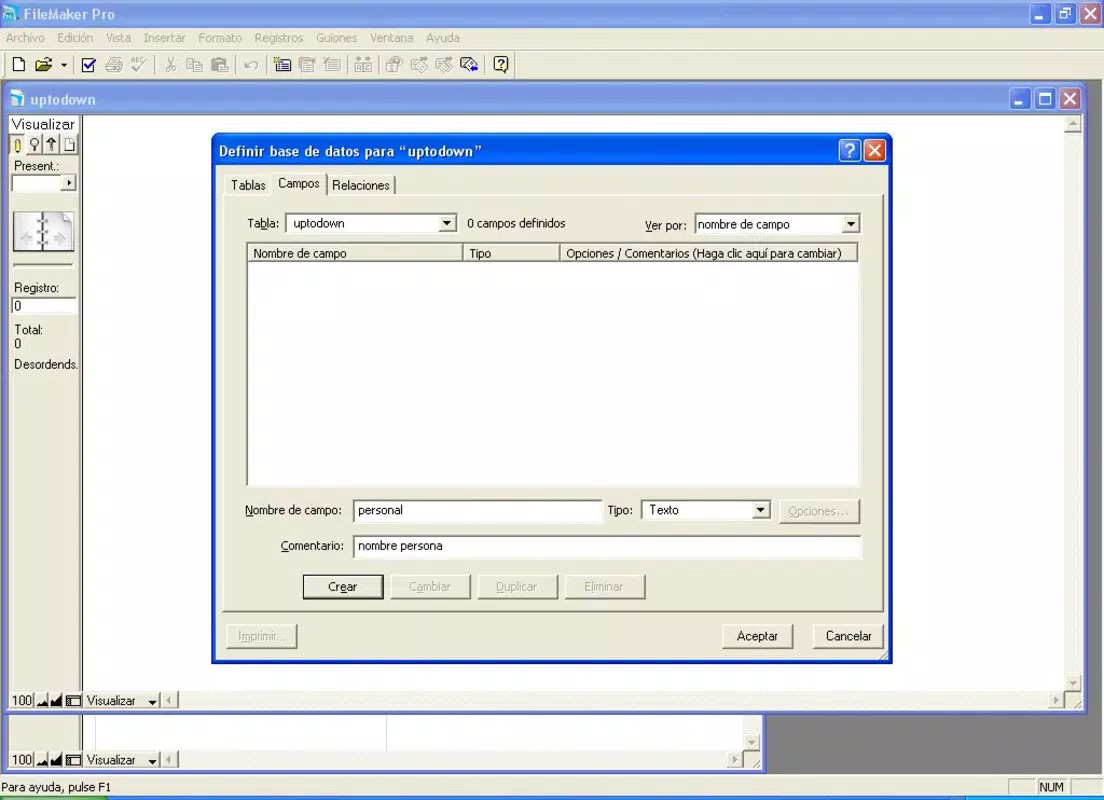
- No-Code App Development: Users can build custom applications using drag-and-drop tools and pre-designed templates, eliminating the need for programming expertise. This allows teams to rapidly prototype and deploy solutions tailored to specific workflows.
- Real-Time Data Synchronization: The app ensures that data remains consistent across devices and platforms, enabling team members to access up-to-date information whether they are in the office, on-site, or working remotely.
- Secure Access & Permissions: Built-in security features allow administrators to define user roles and control access levels, protecting sensitive data while maintaining operational flexibility.
- Cloud Integration via FileMaker Cloud: With support for cloud-based deployment, users can host their applications and data securely in the cloud, ensuring high availability and scalability.
- Multi-Platform Compatibility: FileMaker Pro supports both iOS and Android, allowing users to access their custom apps from a variety of mobile devices, ensuring consistent performance and user experience.
For example, a retail manager could use FileMaker Pro to create a custom inventory tracking app that syncs stock levels across stores in real time. A project manager might build a task management system that updates statuses automatically and sends notifications to team members. These use cases highlight the app’s adaptability and its ability to transform how organizations handle data-intensive operations. The integration with other components of the FileMaker ecosystem enhances its functionality, making it a comprehensive solution for data-driven decision-making.
Interface, UX & Performance
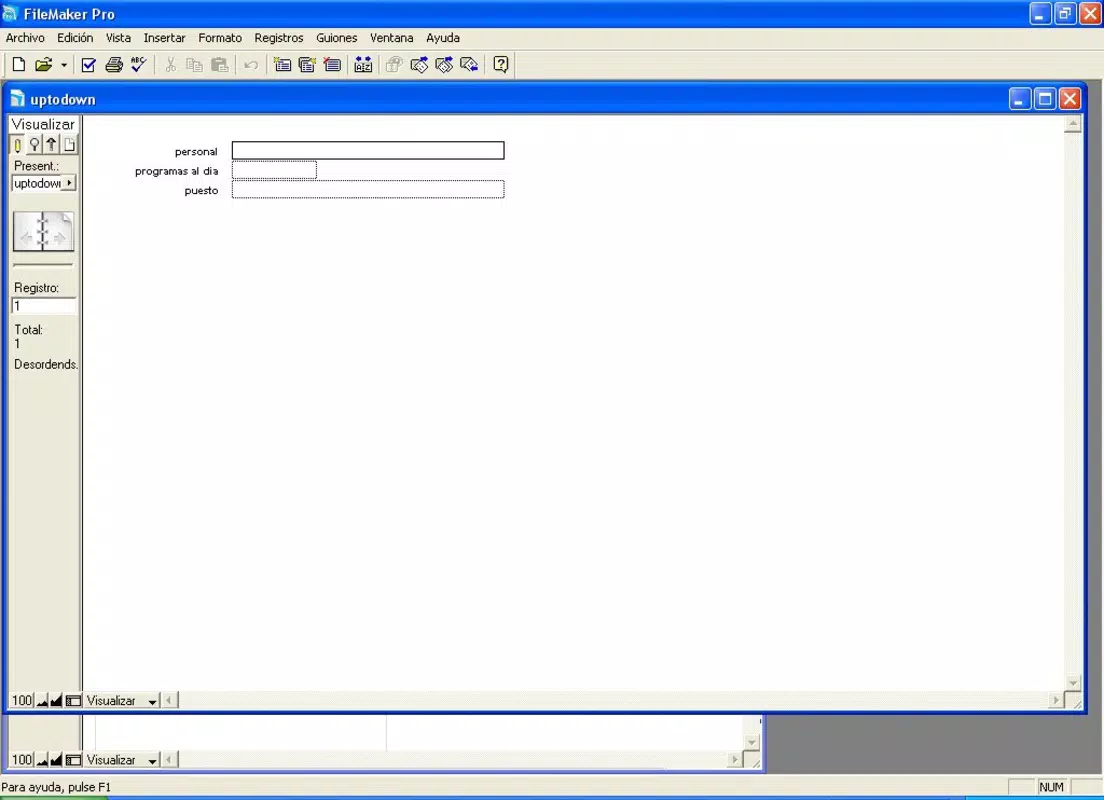
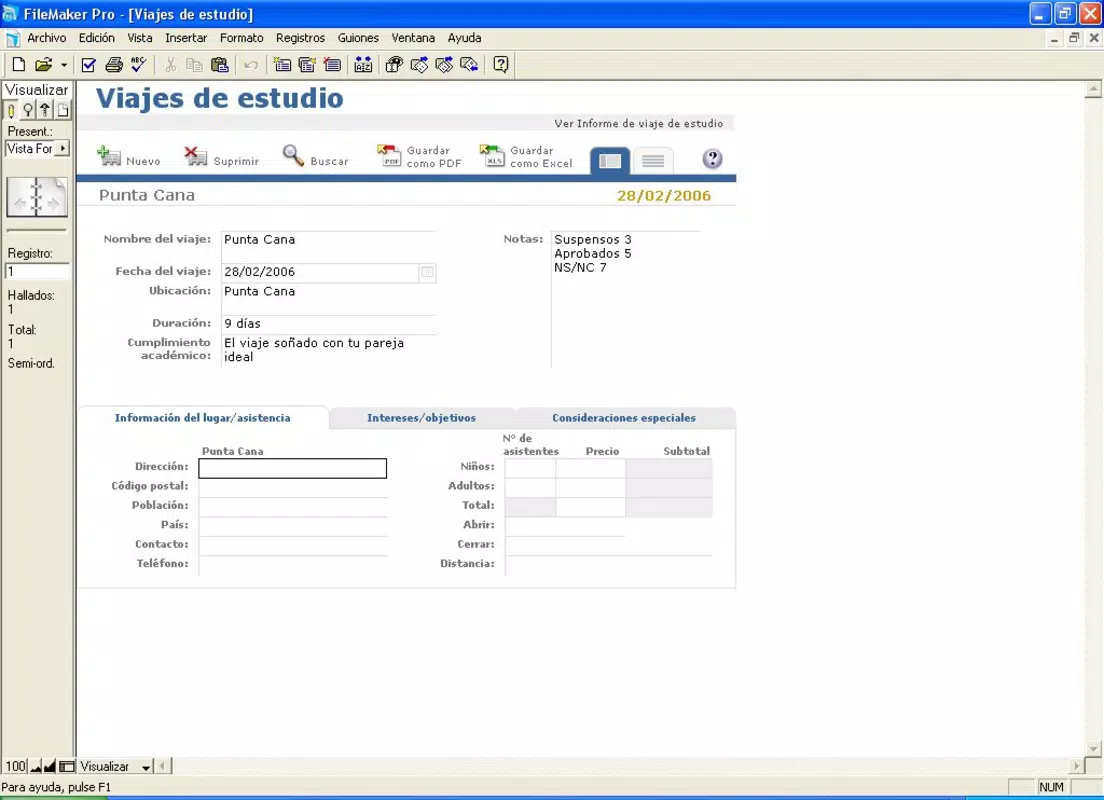
The user interface of FileMaker Pro is designed with usability in mind, featuring a clean layout and intuitive navigation that guides users through the app creation and data management processes. Visual elements are well-organized, with clear icons, consistent spacing, and responsive touch targets, contributing to a polished and professional appearance. Navigation flows logically from one section to the next, minimizing user confusion and reducing the learning curve, especially for those new to database applications.
The app supports touch-based interactions, ensuring smooth performance on both tablets and smartphones. Although the developer did not list formal performance metrics, the app appears optimized for efficient operation across a range of device categories, including mid-tier and high-end mobile devices. Responsiveness is consistent during data entry, form navigation, and synchronization tasks.
Stability is maintained during extended use, with no reported issues related to crashes or freezes. The application handles large datasets effectively, maintaining smooth performance even when multiple users access shared databases. Overall, the UX reflects a mature product built for productivity and reliability in professional settings.
Platform Compatibility & Technical Requirements
FileMaker Pro is available on both iOS and Android platforms, making it accessible to a wide range of users across different mobile ecosystems. The current version is 18.0.2, released on May 20, 2024. The app has a file size of 54.7 MB, which is relatively compact for a feature-rich productivity tool.
This suggests efficient code optimization and minimal bloat, allowing for quick installation and low storage consumption. The developer did not specify minimum OS requirements, nor did they provide detailed hardware specifications. As such, compatibility with specific device models or older operating system versions remains unclear.
Users are advised to ensure their devices meet the system requirements of the latest version of iOS or Android. The absence of detailed technical information does not diminish the app’s functionality but may require users to test installation and performance on their specific devices. Despite this, the app’s cross-platform availability and consistent behavior across devices indicate a strong commitment to broad accessibility.
Pros and Cons
Pros
- Powerful no-code environment for building custom applications without programming knowledge.
- Seamless real-time data synchronization across devices and platforms.
- Secure access controls and user permission management for data protection.
- Cloud integration through FileMaker Cloud for scalable and remote deployment.
- Consistent user experience across iOS and Android devices.
Cons
- Price point of $299.00 may be prohibitive for individual users or small startups.
- Developer did not provide detailed technical specifications or compatibility requirements.
- May require additional investment in FileMaker Server or Cloud for full deployment capabilities.
- Limited public documentation on advanced features and troubleshooting.
- Higher learning curve for users unfamiliar with database concepts.
FAQ
Is FileMaker Pro available for free?
FileMaker Pro is not a free application. It is a paid tool with a price of $299.00. Users should purchase it through official channels to ensure authenticity and access to updates.
Can I use FileMaker Pro on both iOS and Android?
Yes, FileMaker Pro is compatible with both iOS and Android platforms. This allows users to access their custom apps across different mobile ecosystems.
Is FileMaker Pro secure for handling sensitive data?
Yes, the app includes built-in security features such as user authentication, role-based access, and encryption, making it suitable for managing confidential information in professional environments.
Do I need additional software to deploy my app?
While the app can be used for development and local deployment, full-scale deployment may require additional components like FileMaker Server or FileMaker Cloud, depending on the scale and accessibility needs.
How often is FileMaker Pro updated?
The latest version, 18.0.2, was released on May 20, 2024. Updates are typically released periodically to improve performance, add features, and address security concerns.
Final Thoughts
FileMaker Pro stands as a formidable solution for organizations and professionals seeking to build custom, data-driven applications without relying on traditional coding. Its no-code approach, combined with strong synchronization, security, and cross-platform support, makes it a versatile tool for managing complex workflows across industries. While the $299 price tag may limit accessibility for some users, the app’s capabilities justify the investment for teams that require reliable, scalable, and secure data management.
The absence of detailed technical specifications is a minor drawback, but the app’s consistent performance and broad compatibility across devices mitigate this concern. For small to mid-sized businesses, project teams, and operational leaders, FileMaker Pro delivers a high-value proposition by turning data challenges into streamlined, customizable solutions. Its integration with the broader FileMaker ecosystem further enhances its utility.
If you're looking to build a custom app, manage data efficiently, or modernize your workflow, this tool is a serious contender.
Download FileMaker Pro now


